Updated August 2026 · 10 min read
EPG, catch-up TV, and cloud DVR get mentioned constantly in IPTV comparisons, but rarely explained clearly. If you’ve seen these terms and weren’t quite sure what they meant practically, here’s a straightforward breakdown of each one and why they actually matter for your day-to-day viewing.
EPG: Electronic Program Guide
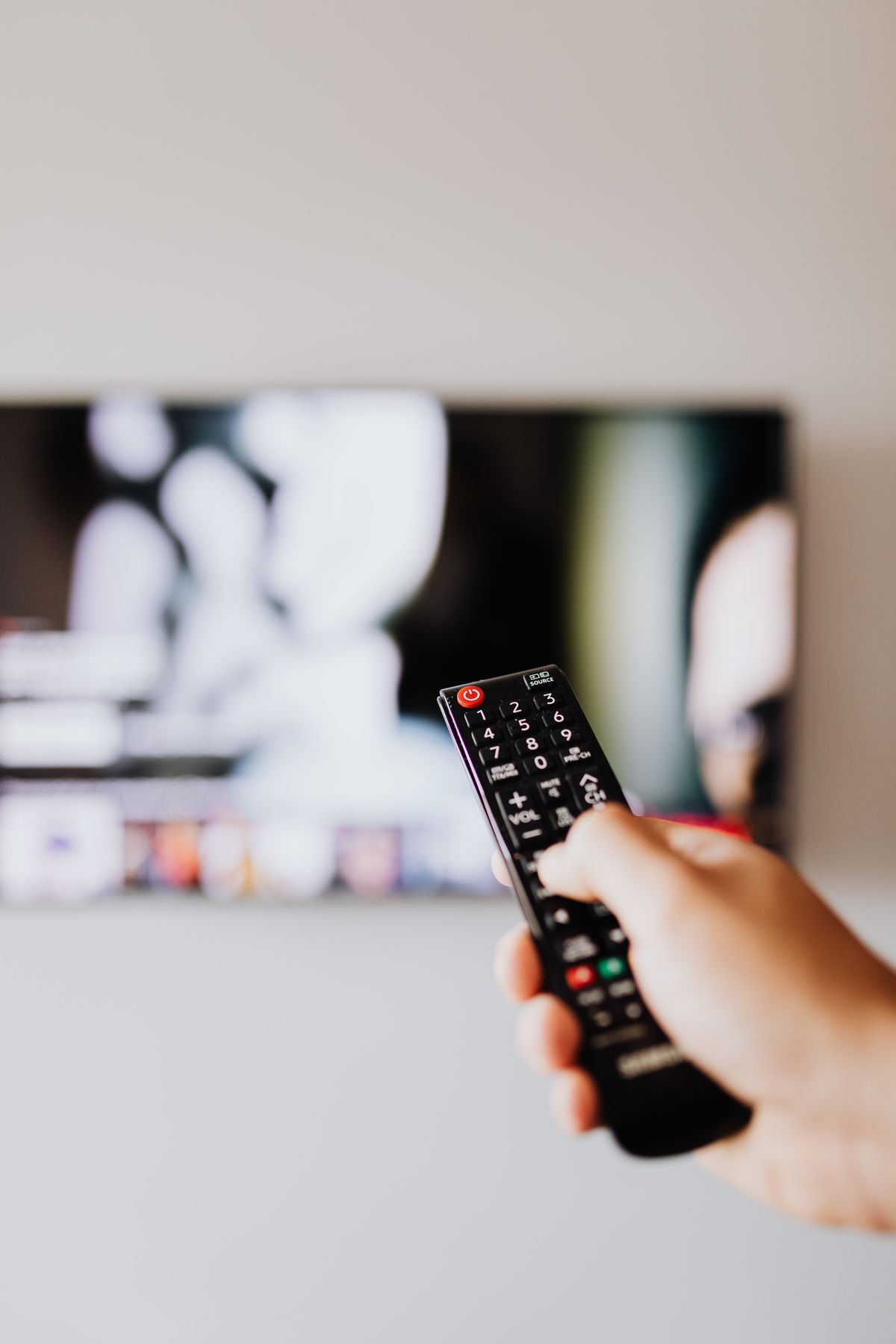
An EPG is the on-screen schedule showing what’s on and when — the same concept as a traditional TV guide, just digital and interactive. A good EPG lets you browse by time, see what’s coming up next, and jump straight into something without hunting through menus.
What Makes an EPG Actually Good
- Accurate scheduling that matches what’s actually playing, not outdated information
- Fast loading without long delays when you switch views
- Clear layout that’s easy to navigate with a standard remote
Catch-Up TV: Watching What You Missed
Catch-up functionality lets you watch content that already aired, within a certain window, without needing to have recorded it yourself. This depends on both the app supporting it and the specific content having catch-up availability — it’s not universal across everything.
Cloud DVR: Recording Without Hardware
Traditional DVR meant a physical box recording to local storage. Cloud DVR does the same job remotely, so you can schedule recordings without needing hardware at home, and access them from multiple devices. Availability and storage limits vary, so it’s worth confirming specifics if this feature matters to you.

How to Confirm What’s Actually Available
Since these features vary by app and provider, the most reliable approach is asking directly and testing during your free trial — try navigating the EPG, test a catch-up feature if available, and see how the whole experience actually feels on your device before assuming anything is included.
Getting the Most Out of These Features
Once your player app is set up properly, these features become second nature quickly. If anything feels confusing during your trial, message us and we’ll walk you through the specific interface live.
Frequently Asked Questions
What does EPG stand for?Electronic Program Guide — the on-screen schedule showing what’s playing and when.
Is catch-up TV available on all content?No — it depends on both app support and specific content availability, worth confirming directly.
Does cloud DVR require extra hardware?No — that’s the main advantage over traditional DVR, which required a physical recording box.
The Bottom Line
EPG, catch-up TV, and cloud DVR are genuinely useful features once you understand what each actually does. Test them during your trial to see how they work on your specific setup, rather than assuming based on the terms alone.
See these features in action yourself.
Start a free trial on WhatsApp →
Leave a Reply