Updated August 2026 · 7 min read
Beyond the basic streaming device question, a few smaller hardware decisions can noticeably improve your IPTV experience — or quietly hold it back if you get them wrong. Here’s what’s actually worth knowing about cables, extenders, and the small stuff that doesn’t get talked about enough.
Do You Need a Wireless HDMI Extender?
These devices send a video signal wirelessly from one point to another — useful if your streaming device is far from your TV, or if you want to avoid running a long cable across a room. For most standard IPTV setups where the device plugs directly into the TV, this isn’t necessary. It becomes worth considering specifically if your network setup is unusual, like projecting to a screen in a separate room.
Cable Quality Actually Matters for 4K
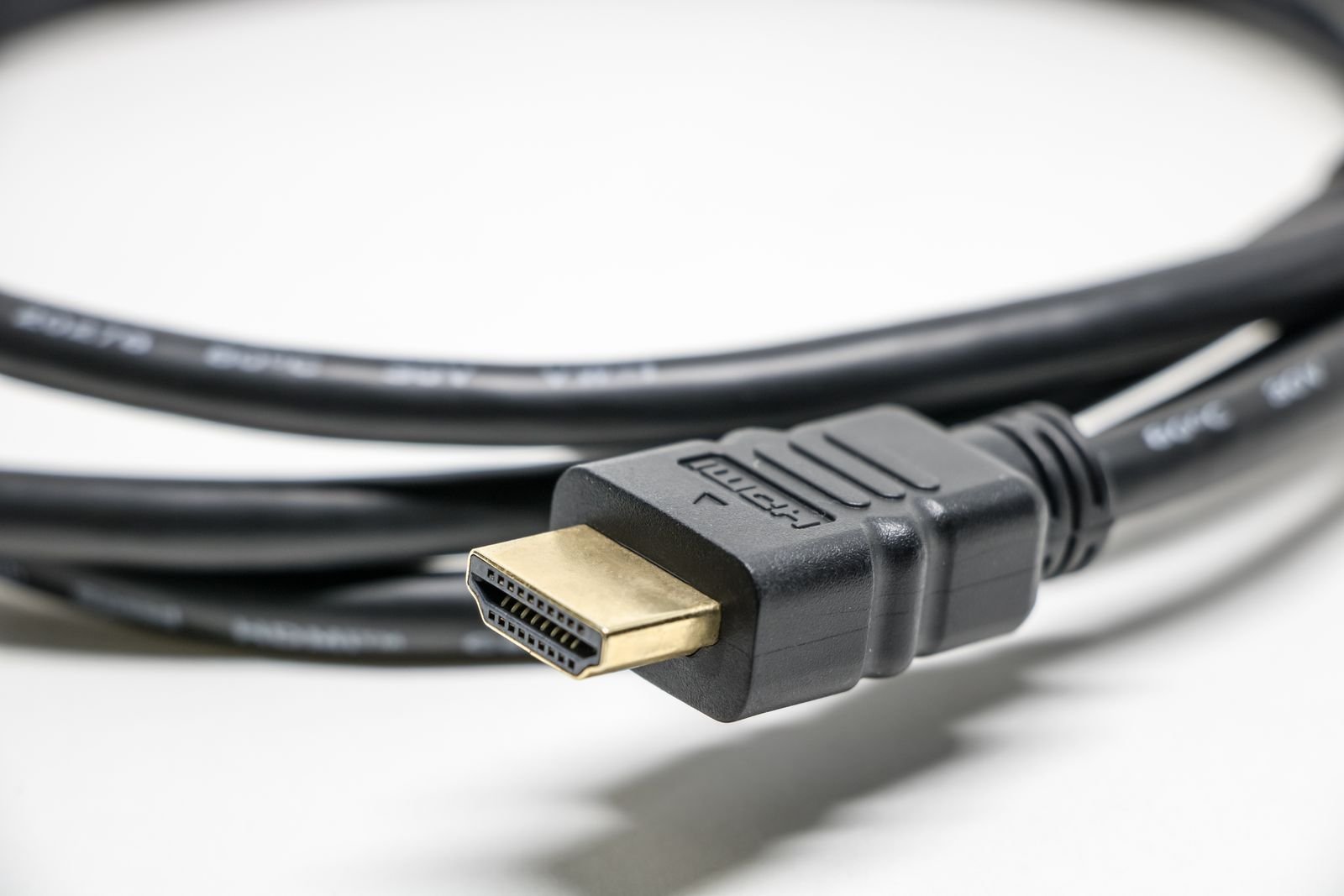
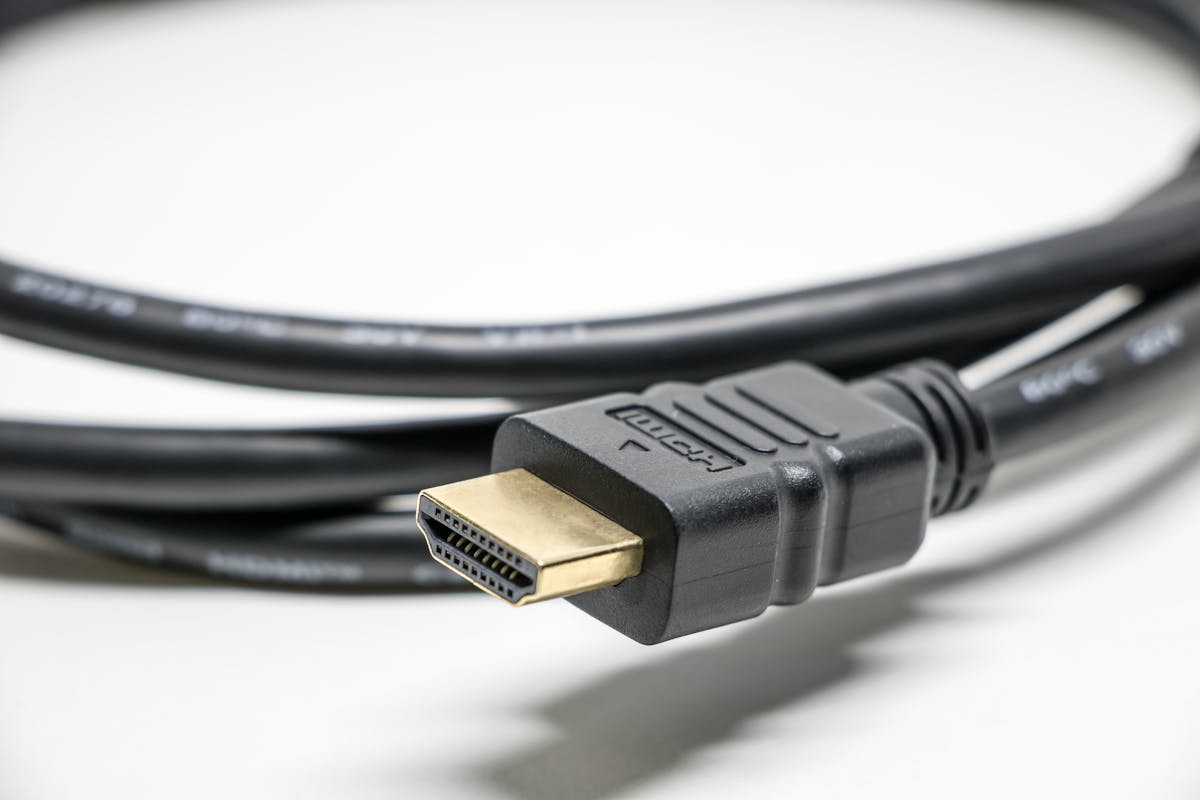
An older or budget HDMI cable can genuinely bottleneck a 4K picture, even when your streaming device and internet connection are both performing perfectly. If your setup is a few years old, check that your cable is rated for at least HDMI 2.0 — it’s a small, inexpensive fix that occasionally solves picture-quality complaints people assume are a bigger issue.
Router Placement Beats Router Upgrades
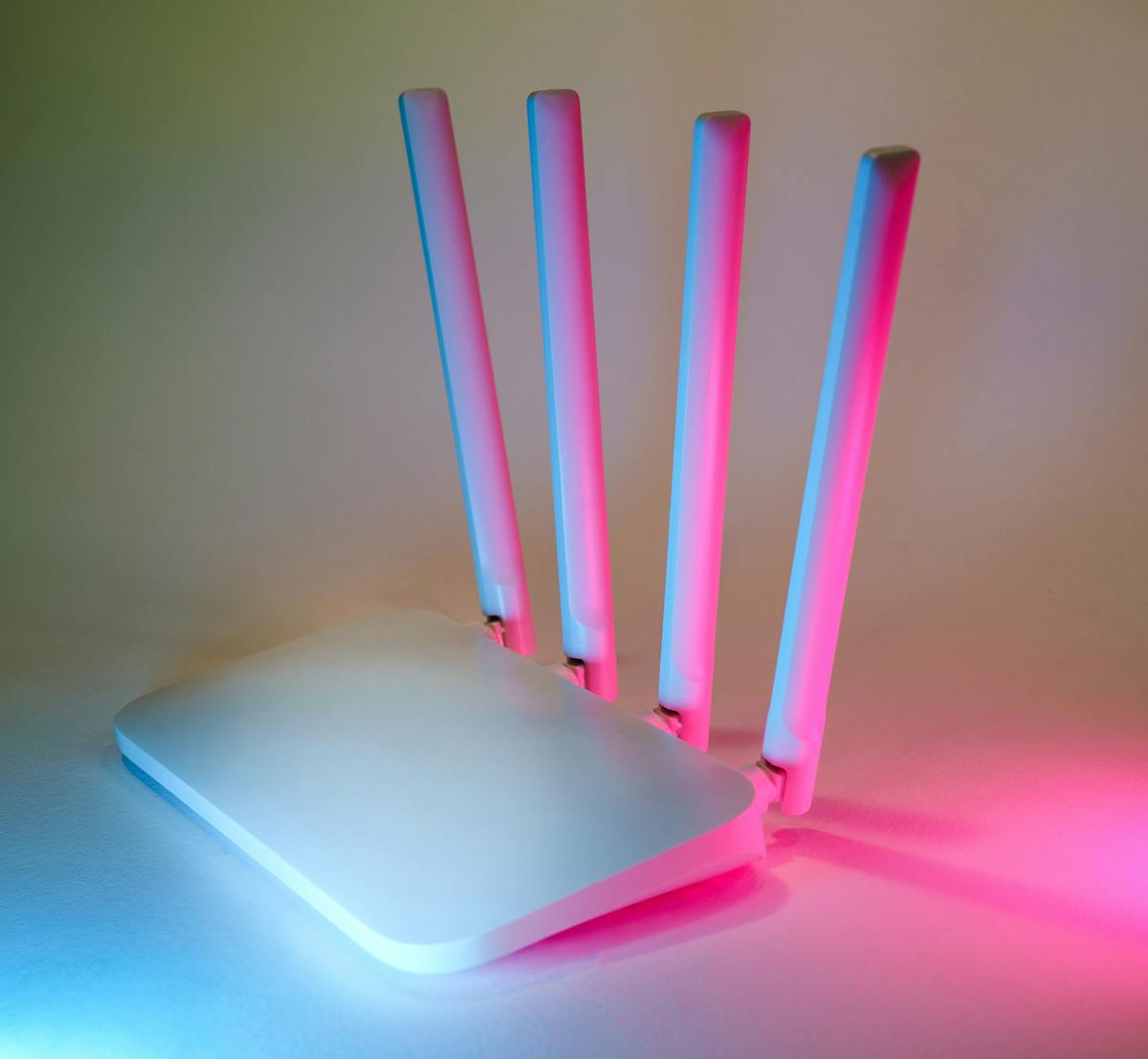
Before spending money on a new router, try moving your existing one closer to your main TV, or reducing the number of walls between them. This single change resolves more streaming issues than most hardware upgrades people jump to first.
When Ethernet Is Worth the Effort
A wired connection to your main streaming device is more stable than Wi-Fi, especially in larger homes or ones with a lot of interference. If your main TV is anywhere near your router, running one cable is a small effort for a real reliability improvement, particularly for anything you don’t want interrupted.
What Actually Doesn’t Matter Much
Premium-branded “IPTV-specific” accessories rarely offer anything a standard, well-reviewed alternative doesn’t. See our Fire Stick setup guide for a concrete example of getting great results without special hardware.
Not Sure What You Need?
Describe your setup on WhatsApp and we’ll tell you honestly whether anything extra would actually help, or whether what you have is already enough.
Frequently Asked Questions
Do I need a wireless HDMI extender for IPTV?Rarely — only in unusual setups where your device and screen aren’t near each other.
Does my HDMI cable actually affect picture quality?Yes, for 4K specifically — an outdated cable can bottleneck it.
Should I buy a new router first?Try repositioning your current one before upgrading — placement often matters more.
The Bottom Line
Most hardware “upgrades” people consider aren’t necessary. Check cable quality and router placement first — they solve more problems than any accessory purchase.
Describe your setup and we’ll advise honestly.
Ask us on WhatsApp →
Leave a Reply