Updated August 2026 · 10 min read
Every time I help someone set up IPTV for the first time, the conversation eventually turns to the same question: “Do I need a special box, or can I just use what I have?” It’s a smart question, and the answer is more nuanced than most quick guides let on. Since search interest in “IPTV box” consistently outpaces searches for the subscriptions themselves, it’s clear a lot of people are stuck on this exact decision. So let’s actually work through it properly.

What “IPTV Box” Actually Means
An IPTV box is simply a small device that runs your streaming app and connects to your TV — nothing more mysterious than that. It’s not a special piece of proprietary hardware tied to one provider; it’s a general-purpose Android-based device (or similar) that can run whatever apps you install on it, IPTV players included.
This matters because it changes the question from “which box do I need to buy” to “do I already own something that does this job.”
Do You Actually Need to Buy One?
If You Already Have a Smart TV
Most Smart TVs from the last several years have their own app store and enough processing power to run a streaming app directly — no separate box required. This is genuinely the simplest path if your TV supports it.
If You Have an Android TV Device or Streaming Stick
Same story — if you already own a Fire Stick, Android TV box, or similar, you almost certainly don’t need to buy anything additional. Install the app, enter your details, done.
If Your TV Is Older and Has No App Support
This is really the only scenario where buying a dedicated box makes sense — when your TV genuinely has no way to run apps itself. Even then, a basic streaming stick is usually a fraction of the cost of a dedicated “IPTV box” being marketed specifically for this purpose.

What Actually Matters More Than the Box Itself
- Your internet connection. No box, however expensive, fixes a weak connection.
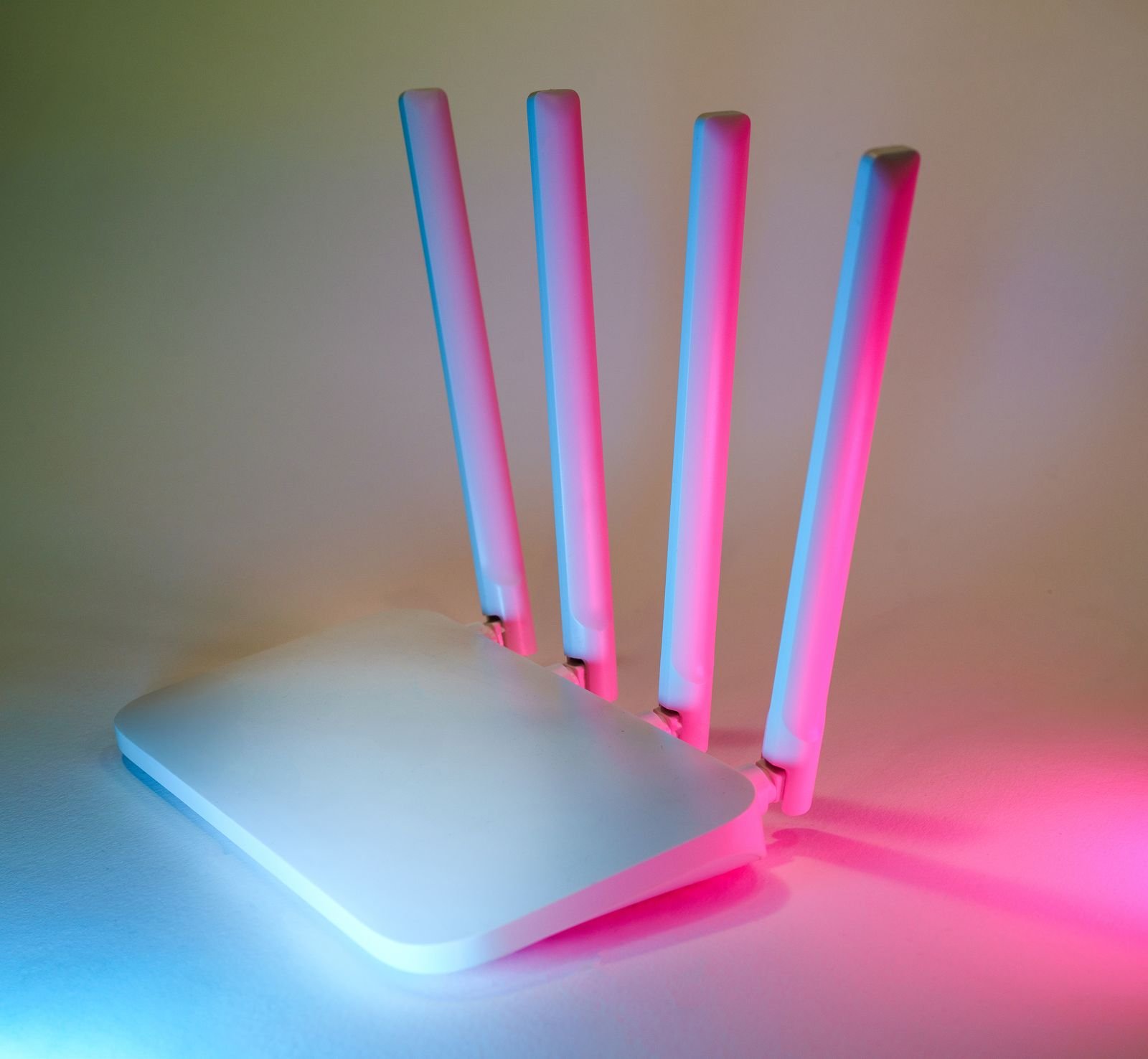
- Your router’s placement. Distance and walls between your router and your TV affect stability more than most people expect.
- The provider’s guided setup. A good provider walks you through this on whatever device you already have, rather than pushing you to buy something first.
See our full setup guides for a breakdown by device type, or just message us and we’ll tell you honestly whether what you already own is enough.
If You Do Decide to Buy a Box
Look for a device that supports at least Android 11 or newer, has enough RAM to avoid lag (2GB minimum, 4GB is more comfortable), and supports Wi-Fi 5 or better if you’re not running Ethernet. Avoid anything marketed specifically and exclusively as an “IPTV box” at a premium price — a standard Android TV box or streaming stick from a mainstream retailer does the exact same job, usually for less.

Cabling Matters More Than People Expect
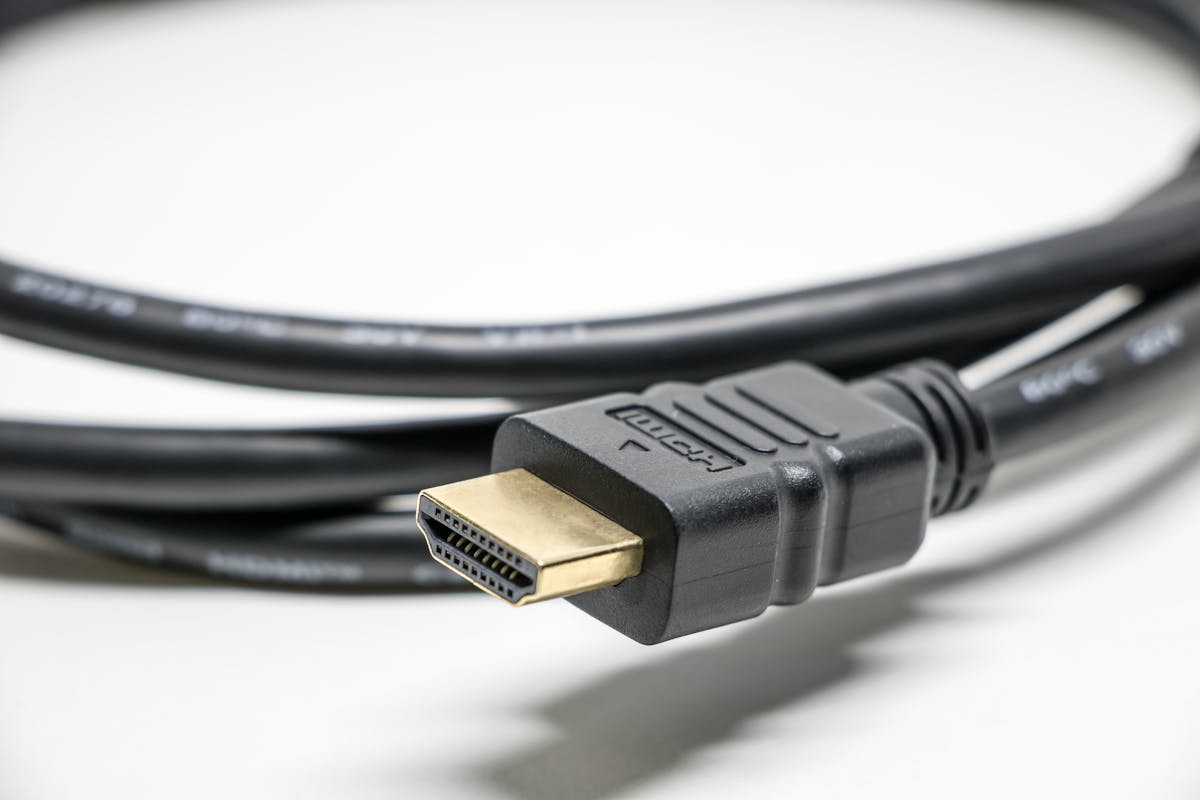
Whatever device you end up using, the HDMI cable connecting it to your TV matters more than most people realize for 4K content specifically. An older or cheap cable can bottleneck picture quality even when everything else is working perfectly.
Getting Set Up Without Overthinking It
The honest truth is most people don’t need to buy anything new to start with IPTV. Start a free trial on whatever you already have, and only consider new hardware if you genuinely hit a wall — not before.
Frequently Asked Questions
Do I need a special “IPTV box”?No — a standard Android TV box, streaming stick, or Smart TV app store works exactly the same way.
What specs should a streaming box have?At least Android 11, 2GB+ RAM, and Wi-Fi 5 or better (or use Ethernet).
Does the HDMI cable actually matter?Yes, for 4K specifically — an outdated cable can bottleneck picture quality.
Can I test before buying anything new?Yes — start with a free trial on your current device first.
The Bottom Line
Most households already own everything they need. Test with what you have before spending on new hardware, and if you do need something, a standard streaming device beats a premium-branded “IPTV box” every time.
Not sure if your current setup is enough?
Ask us on WhatsApp →
Leave a Reply