Updated August 2026 · 7 min read
Live sports are the toughest test any streaming setup will ever face. On-demand shows forgive a little buffering — you pause, it catches up, nobody’s upset. A live moment doesn’t wait for your stream to recover. So if watching sports is a priority for you, here’s what actually determines whether your setup can keep up, regardless of which provider you choose.
Why Live Sports Are Different From Everything Else
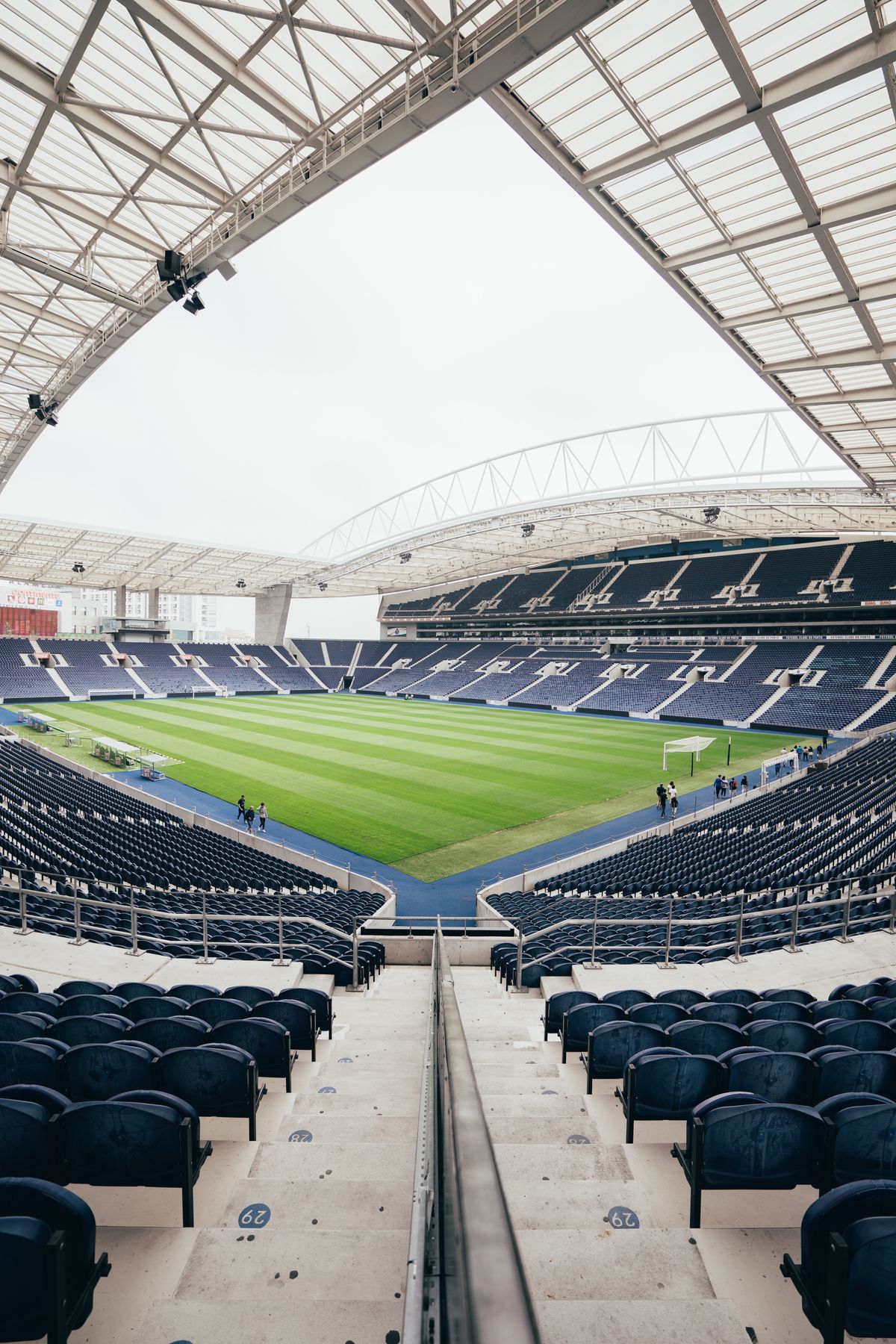
A live broadcast has thousands (sometimes millions) of people watching the exact same moment at once, which means the servers behind it are under real strain during the event itself — not spread out over hours like an on-demand catalog. Add in that everyone in your own house might be watching too, and it’s clear why live sports is the true stress test for any IPTV setup.
What Actually Matters for Smooth Live Viewing
A Genuinely Stable Connection
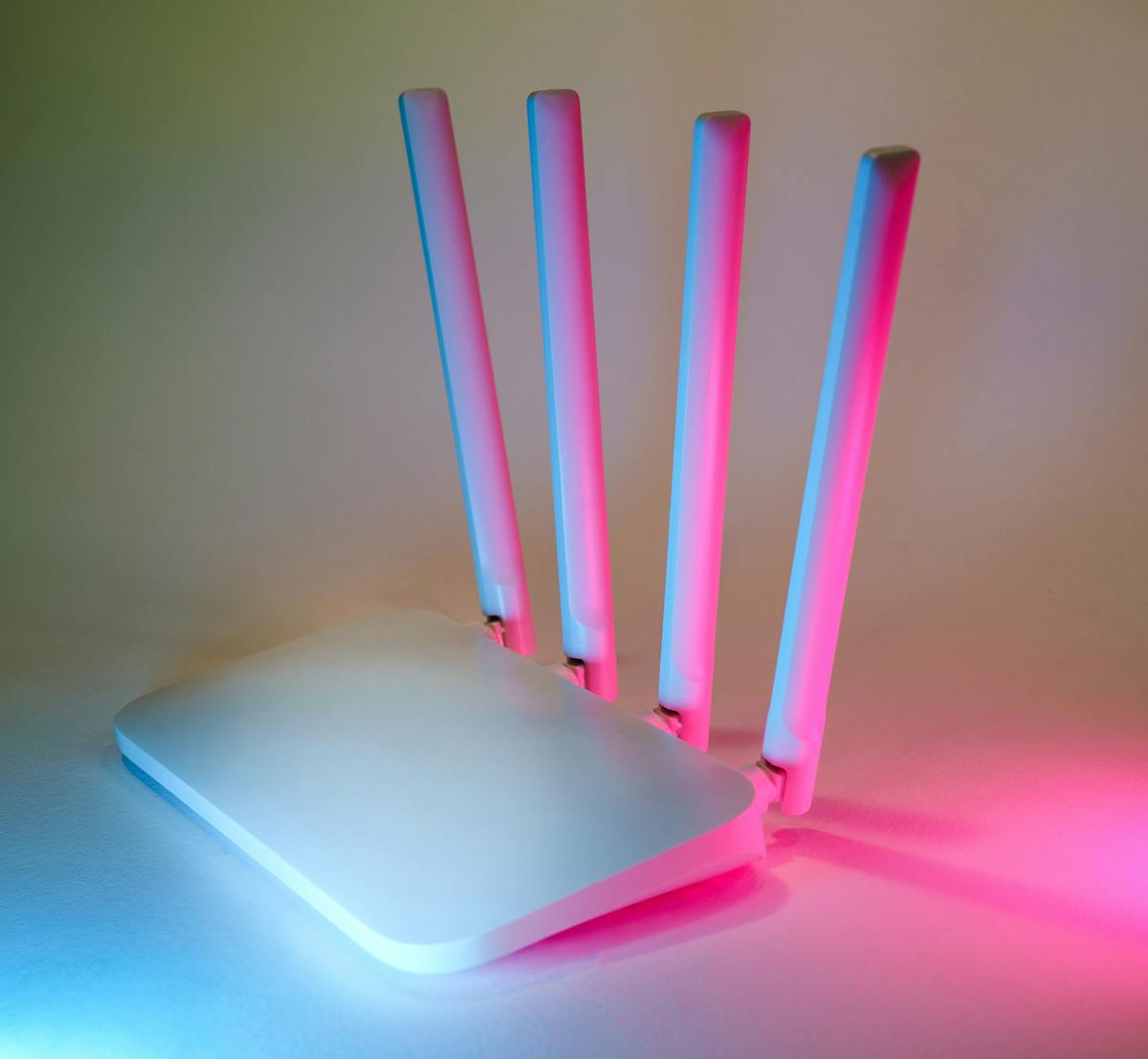
Speed matters, but stability matters more for live content. A connection that averages fast but drops for a second here and there will hurt live viewing far more than on-demand. If possible, use a wired connection for your main screen during anything you don’t want interrupted.
Headroom, Not Just Minimum Speed
If a provider says 25 Mbps is the minimum, don’t run right at that number during a live event with three other devices active. Extra headroom is what actually prevents the picture from dropping quality mid-stream.
A Provider That’s Upfront About Live Content
Specific live event availability varies by provider and changes over time, so it’s always worth confirming directly with support what’s currently included before assuming anything. A provider that answers this clearly and specifically — rather than a vague “everything’s included!” — is one worth trusting.
Testing Before an Event You Actually Care About
Don’t wait until the moment that matters to find out if your setup can handle it. Use a free trial to test live playback during a normal busy evening beforehand, so you already know your connection and device can hold up when it counts.
If Something Drops Mid-Stream
- Restart the app first — it’s the fastest fix and works more often than you’d expect.
- Check if other devices on your network are competing for bandwidth right at that moment.
- If it persists, message support — a good provider treats a live-event issue as urgent, not routine.
For the full troubleshooting checklist, see our buffering fixes guide.
Frequently Asked Questions
Why does live content buffer more than on-demand shows?Live streams put simultaneous load on servers and your connection in real time, with no buffer built up in advance like on-demand content has.
What internet speed is safe for live viewing?Aim well above any stated minimum, especially if multiple devices are active in your household at the same time.
Should I test before an event I care about?Yes — always test your setup during a regular busy evening beforehand, not for the first time during the event itself.
The Bottom Line
Live content is the real test of any streaming setup. Stable connection, real headroom, and a provider that’s straightforward about what’s included — get those three right and the rest takes care of itself.
Want to test your setup properly first?
Start a free EyeIPTV trial on WhatsApp →
Leave a Reply