Updated August 2026 · 7 min read
Nothing kills a movie night faster than that spinning wheel. I’ve sat through it myself more times than I’d like to admit, and almost every time, the fix turned out to be something small and boring — not a sign the whole service was broken. So here’s the real troubleshooting checklist I use whenever 4k iptv streaming starts stuttering, before jumping to “this provider is bad.”

Start With the Connection, Not the App
Buffering is almost always a bandwidth or stability problem, not a content problem. Before blaming your provider, run through this quickly:
- Test your actual speed during the exact time you’re watching, not earlier in the day.
- Count how many devices are active on your network at once — video calls, downloads, and other streams all compete for the same bandwidth.
- Try a wired connection if your streaming device supports Ethernet — it’s often more stable than Wi-Fi, especially through walls or multiple floors.
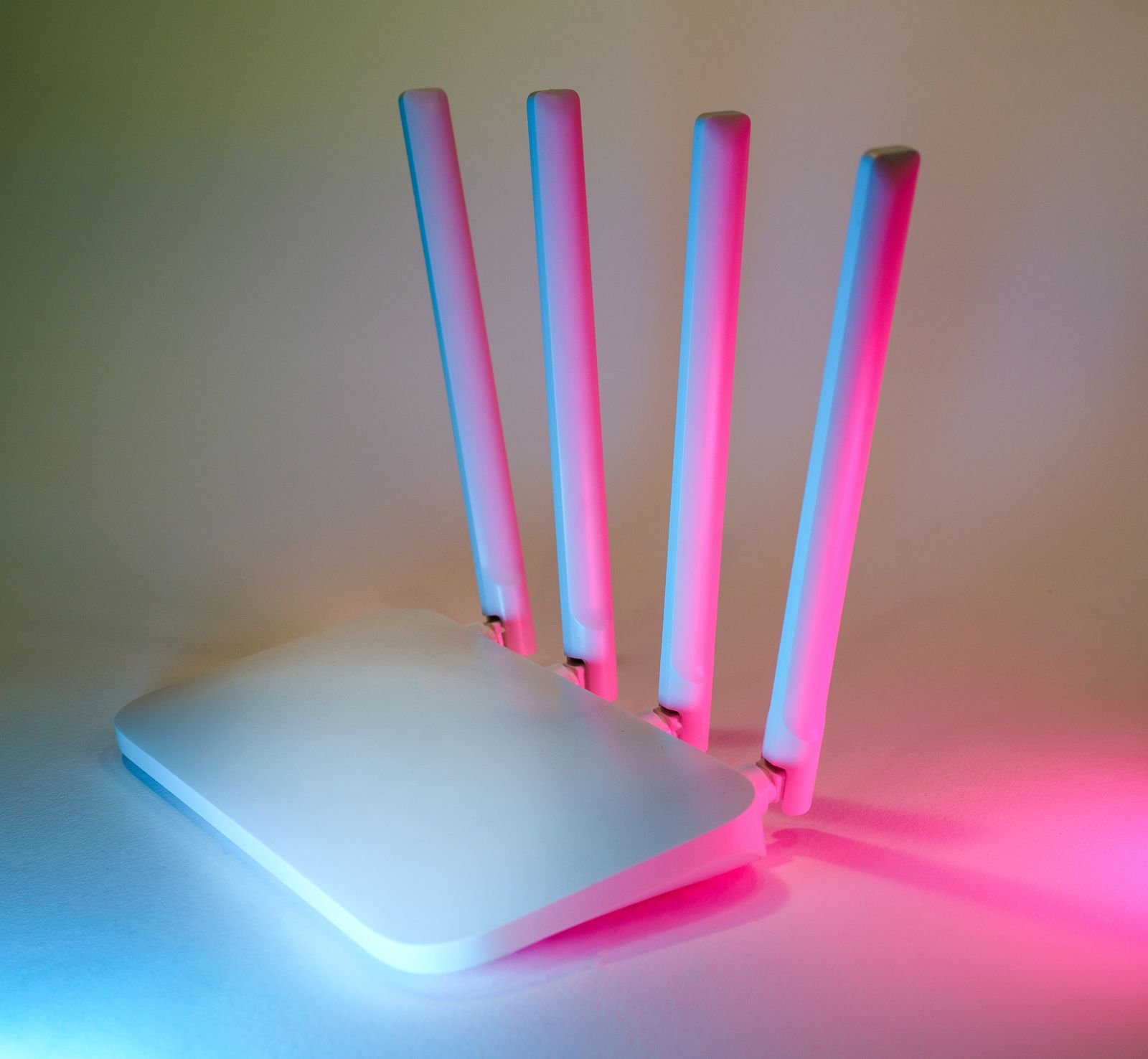
- Restart your router if it’s been running for weeks without a reboot — this genuinely fixes more issues than people expect.
Then Check the Device Itself
Close Background Apps
Streaming boxes and Smart TVs have limited memory. Apps left running in the background can quietly eat into what your IPTV app needs to keep the stream smooth.
Force-Close and Reopen the App
This sounds too simple to work, but it resolves a surprising number of playback issues — it clears a stuck buffer or cache without needing a full device restart.
Update the App
An outdated app version can cause playback quirks that a simple update resolves instantly. It’s an easy thing to overlook.
If It’s Still Happening, Test at Peak Hours
This is the step people skip, and it’s the most important one. A stream that looks flawless at 2pm on a Tuesday can behave completely differently at 9pm on a Saturday when your household — and everyone else’s — is online at once. If buffering only happens during peak hours, that’s useful information: it points to bandwidth congestion rather than a fundamentally broken service.
This is exactly why testing a best iptv 4k provider properly — on your real device, during your real viewing hours — matters so much more than trusting a spec sheet. It’s also why we build guided trials this way at EyeIPTV: so you can catch problems like this before you ever pay.
When to Actually Contact Support
If you’ve run through the checklist above and it’s still buffering consistently, that’s when a message to support is worth sending — and it’s also a good test of the provider itself. A good one will respond quickly and actually help you diagnose it, rather than pointing you back to a generic FAQ. See our own FAQ page for more troubleshooting basics, or just message us directly on WhatsApp if you’re already a customer.
Frequently Asked Questions
What internet speed do I need for smooth 4K IPTV?25 Mbps or higher is a comfortable baseline, especially if multiple devices share the connection.
Does Wi-Fi vs wired connection actually matter?Yes — a wired connection is typically more stable, especially in larger homes or through multiple walls.
Why does buffering only happen in the evening?That’s peak usage time for your household and often your neighborhood’s network too — it’s the most useful time to actually test a service.
What if none of this fixes it?Message your provider’s support directly. Here’s how to reach EyeIPTV.
The Bottom Line
Most buffering issues come down to your connection or device, not the provider itself — but the way a provider handles it when you do reach out tells you everything about whether they’re worth sticking with. Run through the checklist above first, and if a 4k iptv service still can’t hold up during your peak hours after that, that’s a real signal worth listening to.
Want to test a service that’s built to handle peak hours?
Start a free EyeIPTV trial on WhatsApp →
Or check our FAQ for more troubleshooting tips.
Leave a Reply